ArtCraft Explained: The Open-Source 3D Staging IDE for AI Filmmakers
Explore ArtCraft, the open-source Rust and Tauri IDE turning blind AI prompting into precise visual crafting with 3D scene staging, mannequins, and 62 models.

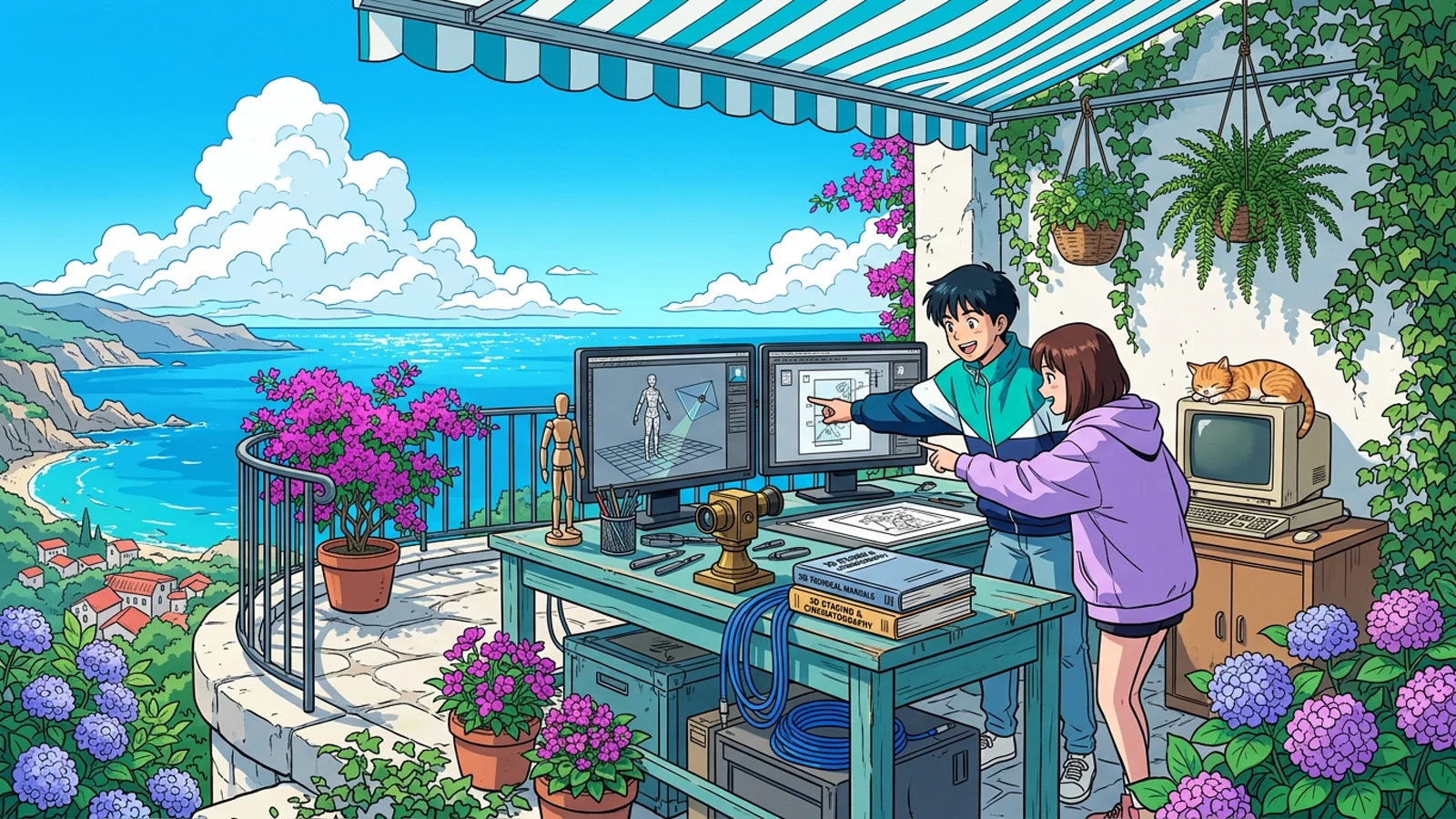
Every digital artist, animator, and filmmaker experimenting with generative AI eventually hits the exact same wall: prompt roulette. You type a prompt describing a character sitting at a wooden desk with a camera tilted at forty-five degrees. The diffusion model renders something visually impressive, but the character has three elbows, the desk faces the wrong direction, and the camera angle is completely flat.
When you try to generate the next shot in the same room, everything breaks down. The character’s face shifts, the background furniture changes style, and the lighting flips from daylight to dusk. Traditional generative tools behave like slot machines: you pull a lever and pray that statistical probability lands on what you imagined.
ArtCraft (storytold/artcraft) destroys this slot machine dynamic. Built as a high-performance desktop application in Rust and Tauri, ArtCraft positions itself as the IDE for artists. Instead of asking a model to guess composition, lighting, and camera geometry from text strings, ArtCraft lets creators stage scenes in full 3D, pose rigged mannequins, compose 2D drawing layers, and dispatch the conditioned layout across sixty-two frontier image and video models.
TL;DR
Quick Answer Box (Google Search Featured Snippet):
- What is ArtCraft? An open-source desktop creative environment built in Rust, Tauri 2.x, Three.js, and Konva that replaces blind text prompting with intentional crafting, featuring 3D scene blocking, character posing, Gaussian splat world projection, and multi-model routing.
- Primary Bottleneck Eliminated: Solves the spatial randomness of generative AI by locking down camera perspective, character anatomy, and scene depth before triggering generation.
- Operational Trade-off to Watch: Requires baseline understanding of 3D viewport navigation and local GPU compute resources for real-time WebGL rendering alongside external API key costs.
- Repository: storytold/artcraft · Apache-2.0 License · 20k+ Stars
Beginner Map (Mental Model)
Before inspecting the Rust architecture and Three.js scene graph, anchor ArtCraft with a studio film metaphor:
The Soundstage Metaphor: Traditional text-to-image generators are like hiring an erratic painter who locks themselves in a dark shed and hands you a finished canvas after ten minutes. If the actor is facing the wrong way, you must throw the canvas into the trash and buy another roll of linen. ArtCraft is a physical Hollywood soundstage. You set up the tripod camera, position the wooden mannequin, place the furniture props, and paint the backdrop. The AI model simply acts as the photochemical film developer capturing the stage you already built.

Part 1: Foundations (The Prompt Roulette Bottleneck)
The core conflict in modern generative media is the gap between intention and statistical output. When a human director prepares a scene, they make four non-negotiable architectural choices:
- Camera Position and Focal Length: A 24mm wide lens at waist height conveys vulnerability, while a 85mm telephoto lens at eye level isolates emotional tension.
- Spatial Blocking: Actor A stands two meters in front of Actor B, angled thirty degrees toward the window.
- Lighting Rigging: Key light from camera left, subtle cool fill from ambient skylight.
- Temporal Continuity: Shot 2 must preserve the spatial layout established in Shot 1.
Text prompts cannot encode these constraints deterministically. Words like “cinematic close-up” or “dramatic side lighting” are fuzzy statistical clusters. A model might interpret “side lighting” from the left in one run, and from the right in the next.
| Generative Workflow | Control Mechanism | Spatial Reproducibility | Iteration Cost |
|---|---|---|---|
| Raw Prompting (Midjourney, ChatGPT) | Text heuristics & random seed rerolling | Near zero | High token waste & lost hours |
| Node Graph Hackery (Raw ComfyUI) | Manual ControlNet, OpenPose wire spaghetti | High control, but high cognitive friction | Complex setup & brittle custom nodes |
| Crafting IDE (ArtCraft) | 3D stage, rigged mannequins & 2D canvas layers | 100% deterministic spatial lock | Instant visual feedback & single-click routing |
# Traditional prompt loop: gamble on 50 variations
curl -X POST https://api.openai.com/v1/images/generations \
  -H "Content-Type: application/json" \
  -d '{"prompt": "film still of detective standing near rain-soaked window, 35mm lens", "n": 4}'

# Result: 4 images with completely different face structures, room dimensions, and window frames
This friction kills real film production. Filmmaking requires repeatable continuity. If you cannot place the same actor into the same room from a reverse shot, you do not have a filmmaking pipeline; you have an automated wallpaper generator.
Part 2: Investigation (How ArtCraft Architected the Artist IDE)
ArtCraft approaches this problem by uniting modern web rendering with native system performance. Instead of packing everything into a sluggish Electron shell, the team built a lightweight desktop engine using Rust and Tauri 2.x.
1. The Native Rust and Tauri 2.x Engine
The desktop foundation is split cleanly into native Rust services and a reactive React frontend:
- IPC Bridge: High-speed binary serialization between Rust and Webview without HTTP network overhead.
- SQLite Ledger: Local SQLite database managed via SQLx tracking generation history, assets, task queues, and persistent application state.
- Bypassing Web Sandbox Restrictions: The native Rust layer handles disk file persistence, directory reveals, and authenticated direct streams to provider endpoints (bypassing CORS barriers).
// Rust command handler in crates/desktop/artcraft/src/lib.rs
// Direct IPC registration for multi-modal generation and cost estimation
tauri::Builder::default()
    .invoke_handler(tauri::generate_handler![
        generate_image_command,
        generate_video_command,
        generate_mesh_command,
        generate_splat_command,
        estimate_image_cost_command,
        estimate_video_cost_command,
        enqueue_image_to_3d_object_command,
        enqueue_image_to_gaussian_command,
        provider_set_api_key_command,
        provider_list_command,
    ])
2. The 3D Scene Graph (Three.js Virtual Staging)
The centerpiece of ArtCraft is its interactive 3D viewport. Built on Three.js, this stage allows artists to place virtual assets in true Euclidean space:
- Virtual Camera Rigs: Set exact sensor aspect ratios, field of view (FOV), focal length, pitch, yaw, and distance.
- Rigged Character Mannequins: Manipulate joints in 3D to define exact character stances, seated postures, and eye lines.
- Kitbashing Sets: Drag 3D meshes (furniture, vehicles, architectural elements) into the scene to build physical barriers, floors, and doorways.
- Volumetric Gaussian Splatting: Import photorealistic 3D Gaussian splat environments (such as Marble worlds). Creators can fly a camera inside a real-world reconstructed room and position synthetic characters within it.
// Frontend 3D scene dispatch concept
import * as THREE from 'three';

interface SceneComposition {
  camera: {
    fov: number;
    position: [number, number, number];
    target: [number, number, number];
  };
  mannequins: Array<{
    id: string;
    poseMatrix: Float32Array;
    characterReferenceId: string;
  }>;
  meshAssets: Array<{
    meshUrl: string;
    transform: Float32Array;
  }>;
}

export function exportStageConditioning(scene: SceneComposition) {
  // Extract depth map, surface normals, and OpenPose skeleton coordinates
  // Transmit structured conditioning payload to Rust generation queue
}
3. The 2D Canvas Compositor (Konva Drawing and Masking)
Working hand-in-hand with the 3D stage is a 2D raster engine powered by Konva. Here, artists perform tactile brushwork:
- Interactive Inpainting Masks: Paint exact regions where modifications should occur.
- Foreground and Background Cutouts: Automated background removal tools isolate subjects and turn them into floating 2D cards in 3D space.
- Layer Stacking: Place 2D hand-drawn sketches in front of 3D meshes and behind Gaussian splat backdrops.
4. Multi-Model Dispatch Across 62 Engines
ArtCraft rejects model vendor lock-in. Rather than tying creators to one company, the engine exposes a sixty-two model catalog across images, videos, audio, meshes, and Gaussian worlds:
- Image Generation: FLUX.1 (dev, schnell, pro, ultra), Nano Banana (2, Pro), GPT Image (1.5, 2, 2.5), Seedream (4, 5 Pro).
- Video Generation: Kling (1.6 to 2.6 Pro), Google Veo (3, 3.1 Fast/Lite), OpenAI Sora (2, 2 Pro), Vidu Q3, MiniMax H3, Flux 3.
- 3D Asset Synthesis: Tencent Hunyuan 3D (2.0 to 3.1 Smart Topology), Tripo3D H3.1, Meshy 6, Rodin 2.5.
- Audio and Music: Suno Music, Suno Remix, Suno Sounds, Seed Audio 1.0.
// Unified generation payload dispatched across providers
export async function dispatchCraftingTask(payload: {
  provider: "artcraft" | "midjourney" | "grok" | "sora";
  modelFamily: "flux" | "kling" | "veo" | "hunyuan3d";
  conditioning: {
    depthMapUri?: string;
    poseSkeletonUri?: string;
    splatWorldId?: string;
  };
  promptText: string;
}) {
  return await window.__TAURI__.invoke("generate_image_command", { payload });
}
Part 3: Diagnosis (The 4 Lethal Traps in Virtual Staging)
While staging scenes visually resolves prompt randomness, moving from text prompting to intentional crafting introduces specific technical hurdles that production teams must prepare for:
- Depth Map Discrepancies and Edge Bleed: When projecting 3D viewport depth maps into diffusion models, coarse mesh geometry can produce harsh edge artifacts in final renders. If your 3D mannequin has sharp polygonal fingers, the diffusion model may render jagged, robotic hands. Always smooth mannequin silhouettes or apply a slight gaussian blur to guidance depth passes.
- Local GPU Memory Contention with Three.js: Running a dense 3D scene packed with high-polygon kitbash models and Gaussian splats consumes significant local VRAM (often 2GB to 4GB). If you run local inference models (such as local FLUX or ComfyUI) on the same machine, WebGL memory competition can trigger browser tab crashes or driver resets. Keep low-poly proxy meshes in your 3D stage and offload heavy renders to external endpoints.
- Multi-Model Provider API Churn: ArtCraft connects to diverse proprietary APIs (Midjourney, Grok, Sora, Kling). Cloud providers continuously revise rate limits, pricing tiers, and payload schemas. When an external provider deprecates an endpoint or changes authentication sessions, generation queues can freeze without clear error messages. Verify your provider connection health before launching multi-shot video render batches.
- The Coordinate System Misalignment Tax: When kitbashing mixed assets (combining a 3D OBJ mesh from Hunyuan 3D with a photogrammetry Gaussian splat from Marble), coordinate conventions frequently conflict (Y-up versus Z-up). Placing a character on an uneven ground plane requires manual raycasting checks. Failing to zero your world transforms will leave actors floating fifty centimeters above the floor.
Part 4: Resolution (Decision Matrix & Practical Guide)
ArtCraft transforms AI media production from blind gambling into a disciplined, reproducible engineering craft.
| Dimension | Raw Text Prompting | ArtCraft IDE | ComfyUI Custom Workflows |
|---|---|---|---|
| Learning Curve | 5 minutes | 1 to 2 hours | 2 to 3 weeks |
| Spatial Precision | Uncontrollable | Millimeter accurate (3D stage) | High, but requires complex node graphs |
| Character Continuity | Broken across shots | Preserved via mannequin poses | Preserved via IP-Adapter / LoRA hacking |
| Asset Synthesis | 2D images only | 2D, 3D meshes, Gaussian worlds, video | Full flexibility, but steep setup time |
| Operating Model | Web subscriptions | Local desktop app + flexible API keys | Self-hosted local GPU or cloud rent |
Step-by-Step Production Recipe: Crafting Your First Film Shot
- Block the Scene in 3D: Open ArtCraft, create a new project, and drag in room boundary meshes. Adjust your camera to 35mm focal length and lock your framing.
- Pose the Mannequin: Insert a humanoid mannequin, position the spine, rotate the head toward the light source, and set the seated posture.
- Isolate 2D Props: Use the 2D canvas with automated background removal to paste custom costume details or hand-held props directly onto the mannequin layer.
- Select Your Generative Engine: Choose FLUX.1 Pro for photorealistic texture rendering or Seedream for stylized indie animation.
- Dispatch and Animate: Run the generation. Once your hero frame renders with locked perspective, pass the output directly into Kling 2.6 or Veo 3.1 to animate camera motion with full temporal consistency.
By anchoring generative models inside an interactive spatial environment, ArtCraft marks the transition of artificial intelligence from a toy prompt box to a professional filmmaking workstation.
Related posts
- AI & Agents
Context Mode Explained: 98% Context Window Compression for AI Coding Agents
Discover Context Mode, the MCP virtualization engine compressing agent tool dumps by 98% with SQLite FTS5 session memory and code-first execution.
10 min readRead → - AI & Agents
Context Engineering: The Discipline That Separates Good AI Agents from Great Ones
Open-source toolkit for Context Engineering that teaches AI agents to pull only the context they need - cited in academic research.
10 min readRead → - AI & Agents
MCP (Model Context Protocol): The 'USB Port for AI' Mental Model
What is MCP and why is every AI tool adopting it in 2026? A mastery guide to Anthropic's open standard for connecting AI models to the real world.
4 min readRead → - AI & Agents
Claude Skills: The Surgical Precision of Agentic Experts
A library of 200+ modular expert instruction sets and zero-dependency Python tools for AI coding agents.
5 min readRead →