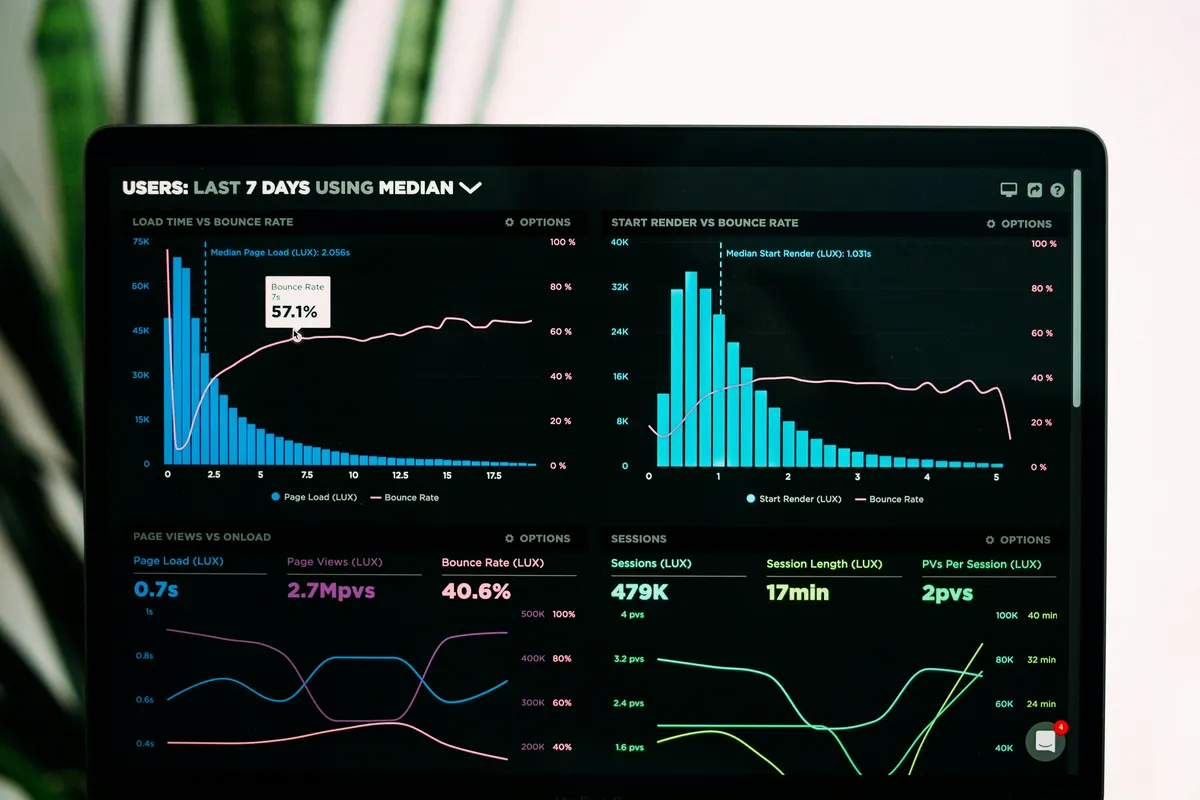
Your production app is slow. A user complains. Your manager pings you on Slack.
You SSH into the server and… stare at it.
Without observability, debugging production is like a doctor diagnosing a patient they cannot see, touch, or talk to. This guide gives you Doctor’s instruments.
Part 1: Foundations (The Mental Model)
The Doctor’s Kit
A doctor has three instruments for different questions:
- Stethoscope (Logs): “Let me LISTEN to what the patient is saying moment to moment.” Raw events. Timestamped. Detailed. Noisy.
- Vital Signs Dashboard (Metrics): “Let me CHECK key numbers: heart rate, blood pressure, temperature.” Aggregated. Numeric. Great for dashboards.
- X-Ray (Tracing): “Let me SEE inside and follow this exact problem through every organ.” End-to-end request flow across services.
| Pillar | Question Answered | Unit | Tool |
|---|---|---|---|
| Logs | “What exactly happened?” | Text events | Datadog, Loki, ELK Stack |
| Metrics | “How is the system in general?” | Numbers over time | Prometheus, Grafana, Datadog |
| Tracing | “Where did this request slow down?” | Spans + Traces | Jaeger, Zipkin, OpenTelemetry |
Part 2: The Investigation (Each Pillar Deep Dive)
1. Logs — “The Patient’s Diary”
Logs are timestamped records of what happened. The key discipline: structured logging.
| |
Log Levels (Use them correctly!):
DEBUG: Verbose detail for developers. Off in production.INFO: Normal operations. “User 42 logged in.”WARNING: Something bad might happen. “Disk is 80% full.”ERROR: Something failed. “Payment failed for order 999.”CRITICAL: The app is dying. On-call engineer wakes up.
2. Metrics — “The Vital Signs”
Metrics tell you how things are trending over time. The four Golden Signals (Google SRE):
- Latency: How long do requests take? (p50, p95, p99)
- Traffic: How many requests per second?
- Errors: What % of requests are failing?
- Saturation: How full is your system? (CPU %, Memory %, Queue depth)
| |
3. Tracing — “The X-Ray”
In a microservices system, one user request might touch 7 services. If it takes 2 seconds, where did those 2 seconds go?
Tracing answers this with a Waterfall diagram:
| |
OpenTelemetry is the open standard. Write it once; send to any backend (Jaeger, Datadog, etc.):
| |
Part 3: The Diagnosis (When to Use What)
| Problem | First Look At | Why |
|---|---|---|
| “Error 500 for user 42” | Logs | Find the exact error message and stack trace. |
| “API is slow since 3 PM” | Metrics | Find the P95 latency spike on the dashboard. |
| “This request takes 2s” | Tracing | See the Waterfall and find which service is slow. |
| “Server is down” | Metrics | CPU/Memory alerts triggered before the crash. |
Part 4: The Resolution (The Alerting Stack)
You cannot watch dashboards 24/7. You need alerts.
Good Alert: “P99 latency exceeded 2 seconds for 5 minutes.” (Specific, actionable). Bad Alert: “CPU is above 50%.” (Vague, fires all the time, causes alert fatigue).
| |
Final Mental Model
| |
You need all three. Logs without Metrics is flying blind. Metrics without Tracing is knowing you’re sick but not knowing why.